Most flower orders are decided in a few minutes on a phone: someone has a birthday tomorrow, an anniversary they nearly forgot, or a funeral to send flowers to. They search "florist near me", open two or three websites, and order from the one that makes it easiest to trust them and pay. Here is what tips that decision your way.
1. Photos of your own arrangements, not stock images
Why it matters: Customers can spot a stock bouquet straight away, and it makes them wonder what will actually arrive. Your own work, photographed well, is your strongest sales tool.
- Photograph each new arrangement in natural light against a plain background, and show the size with a hand or a vase for scale.
- Keep a gallery for weddings, sympathy work and everyday bouquets, so each customer sees the style they need.
- Post new photos to your Google Business Profile too, so people searching nearby see fresh work.
2. Clear prices, or a "from" price for every range
Why it matters: Flowers are often a gift on a budget. If a customer has to email to find out whether a bouquet costs £30 or £90, many will order from a site that tells them.
- Show a starting price for each range (hand-tied, vase arrangements, sympathy, wedding packages).
- Offer two or three sizes of the same design so people can choose their budget.
- Say plainly what is included: vase, card message, gift wrap.
3. Delivery areas, times and cut-off, on every product page
Why it matters: The first question for a same-day order is "can you get it there today?". If the answer is buried on a separate page, customers give up.
- List the towns and postcodes you deliver to, with the delivery charge for each.
- Show your same-day cut-off time clearly, for example "order by 1pm for delivery today".
- Say whether you deliver on Sundays and bank holidays, and what happens if nobody is home.
4. A checkout that works on a phone in under two minutes
Why it matters: Many flower orders are placed on a mobile, often in a hurry. Long forms, tiny buttons or a forced account sign-up lose orders at the last step.
- Let people check out as a guest, and accept card, Apple Pay and Google Pay.
- Ask only for what you need: recipient, address, delivery date, card message.
- Test your own checkout on a phone every few months and time it.
5. Pages for the occasions people search for
Why it matters: People rarely search "florist". They search "funeral flowers Leeds", "wedding florist Harrogate" or "birthday flowers delivered today". A page for each occasion gives Google something to match.
- Create separate pages for sympathy and funeral flowers, weddings, birthdays and corporate or event work.
- On sympathy pages, explain how you work with local funeral directors and the latest time you can deliver to a service.
- Add seasonal pages a few weeks before Valentine's Day, Mother's Day and Christmas, and keep them live each year.
6. Recent reviews from real customers
Why it matters: A customer sending flowers can't check them before they arrive, so they rely on what other people say. Recent, specific reviews reassure them the flowers will look as good as the photo.
- Ask for a Google review a day or two after delivery, while the flowers still look their best.
- Reply to reviews on your Google profile, including the rare unhappy one, politely and quickly.
- Show a few recent reviews near your bouquets, not only on a separate reviews page.
7. A real shop and an easy way to ask a question
Why it matters: National order-gathering websites often look like local florists. Showing your shop, your name and a phone number that rings in the shop tells customers they are dealing with a real local business.
- Show your shop address, opening hours and a photo of the shop front.
- Make your phone number tap-to-call on mobiles and add a WhatsApp or message button for quick questions.
- Introduce yourself and your team on an About page, with a photo.
See what this looks like for a florist
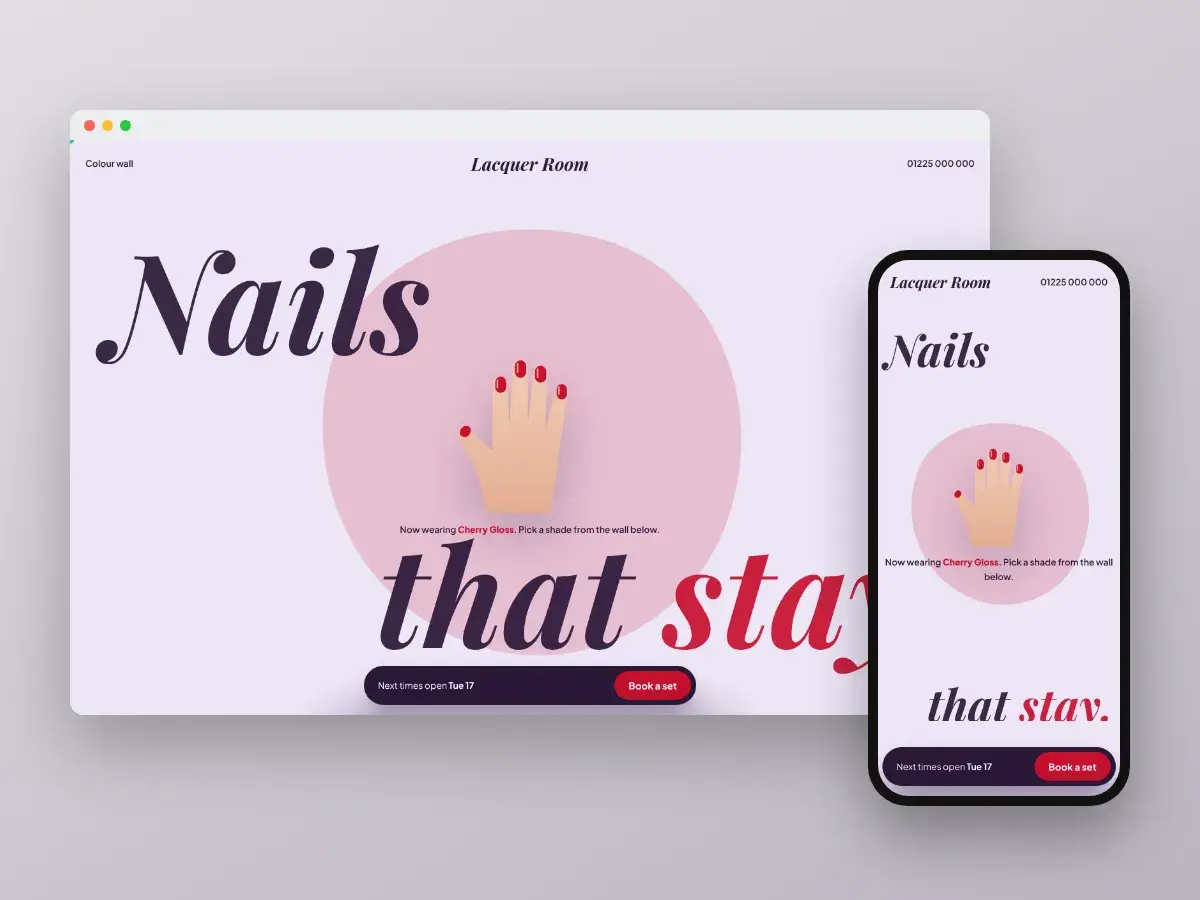
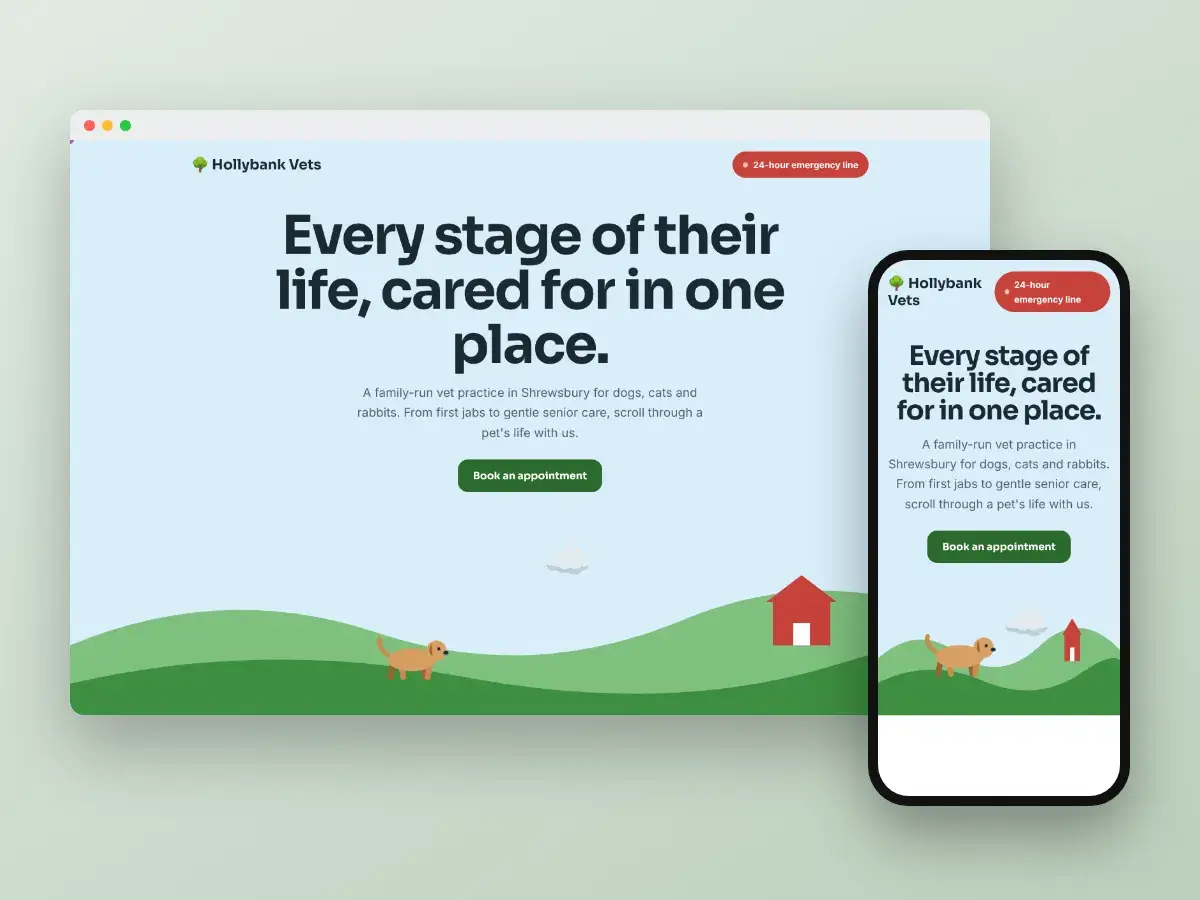
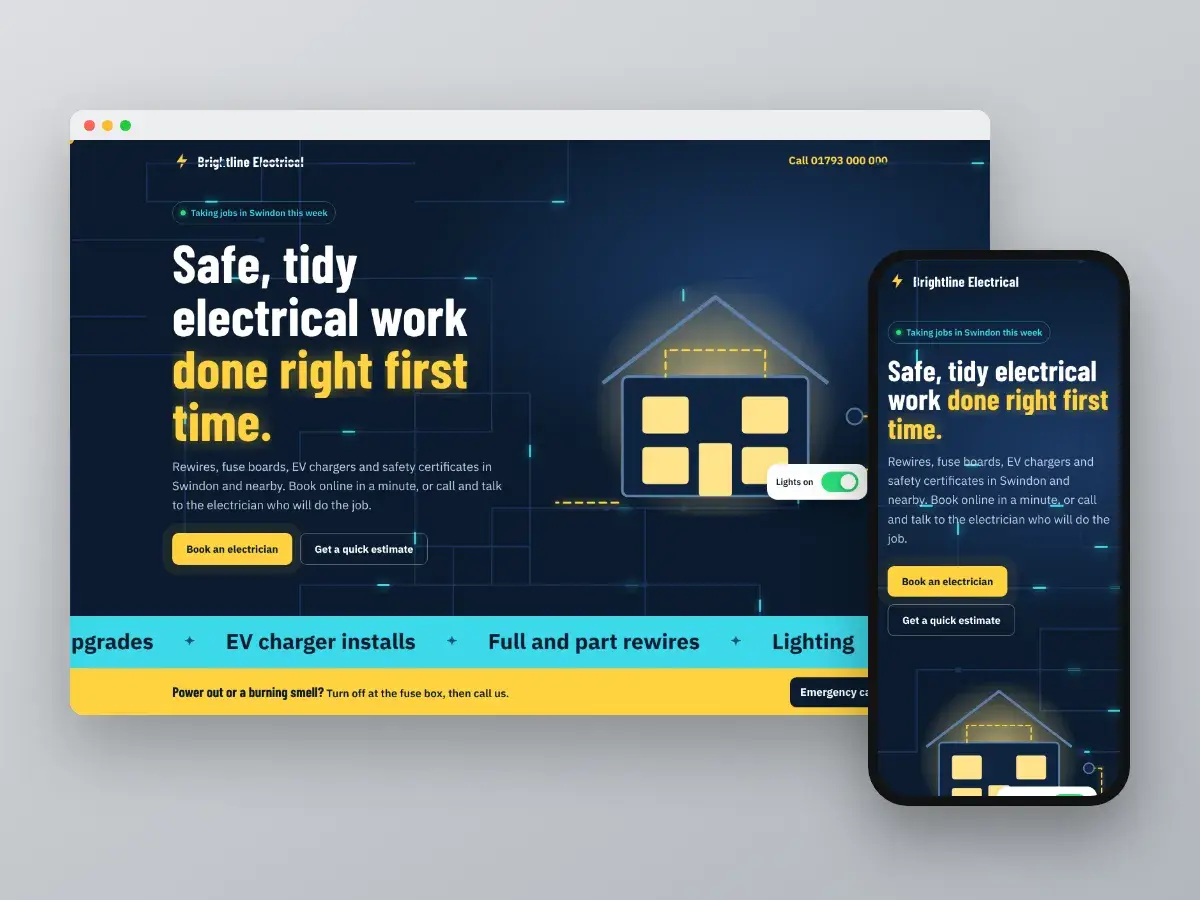
We built a sample florist website with these ideas in place: same-day cut-off, prices by size, delivery areas and a quick mobile checkout. You can try it here: getweblify.com/demos/florist/. If you would like one made with your own flowers and prices, we are happy to talk it through.
We build websites, booking systems and Google profiles that bring in work for UK businesses. See your homepage design before you commit.